Modern UI
The modern Operations and Regulations UI replaces the classic UI when the Modernized User Interface Controls feature toggle is enabled.
The modern UI uses the updated Infor Design System (IDS) icons and controls, making it consistent with other Infor products. This ensures a fresh, modern look and feel, including recent accessibility improvements.
The menu in the modern UI is arranged vertically on the left side of the page.
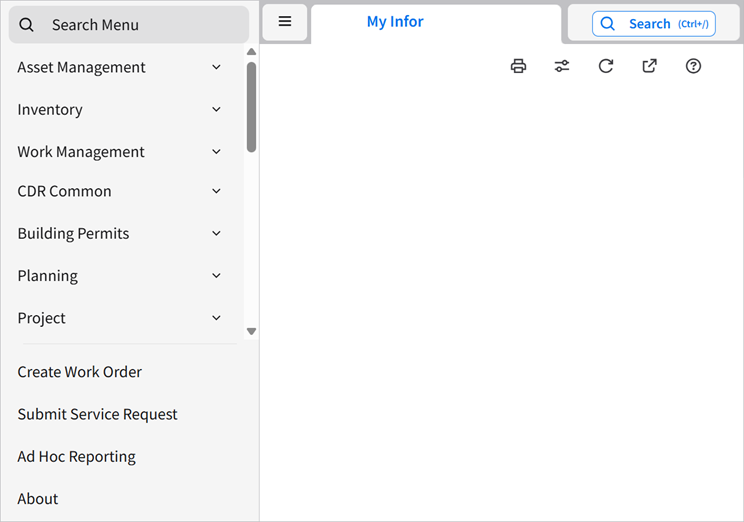
Note: The four items at the bottom of the menu (, , , and ) are hard-coded, so they can't be changed.
Note: The Modernized User Interface Controls feature toggle is scheduled to be on by default in the 2026.10 release, and mandatory in the 2027.04 release.