Enhanced search
The enhanced search feature searches across multiple kinds of records in Operations and Regulations from a single location.
The search includes all primary records, such as assets, service requests, work orders, CDR applications, users, employees, contacts, and addresses.
The button is shown in the top right corner of the application window.
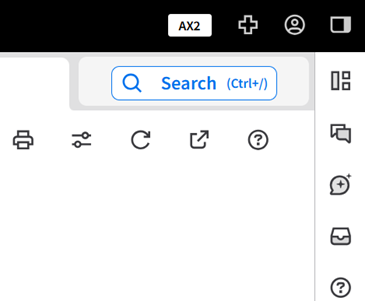
When the user clicks , the Search Results window is shown. When the user starts typing in the search field, the Search Results window shows all records that match the search terms that are entered. The matches are grouped in subcategories such as menu items, service requests, and addresses.
The enhanced search tool also includes an optional AI mode that searches using natural language processing.