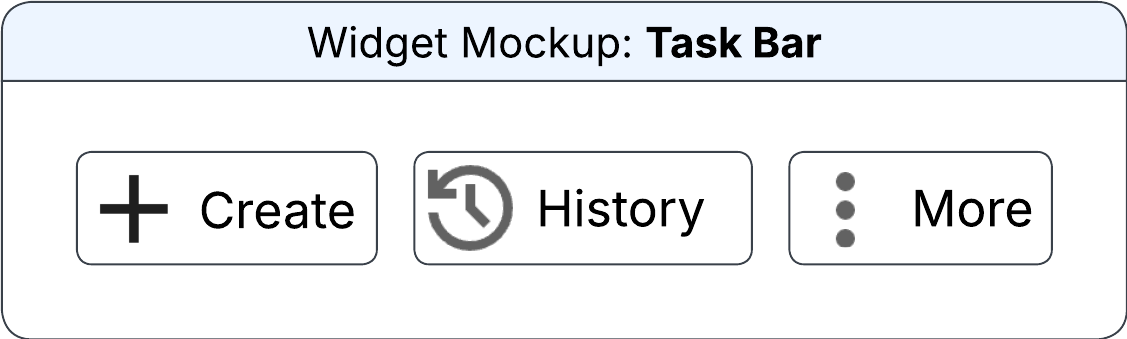
Task Bar widget
The widget displays pinned primary, secondary, and additional tasks. You can pin tasks using drag-and-drop option. Tasks are displayed as icons or with captions.
You can specify this information in the Configure Task Bar Widget section on the Widget Builder screen:
- Data Source
- The data source for the task bar widget.
- Style
-
The way the task is displayed on the widget. Possible values:
- Icon: The task is displayed as icon.
- Caption: The task is displayed as text.
- Alignment
-
The position of task on the widget. Possible values:
- Start: Positioned at the beginning of the available space.
- End: Positioned at the end of the available space.