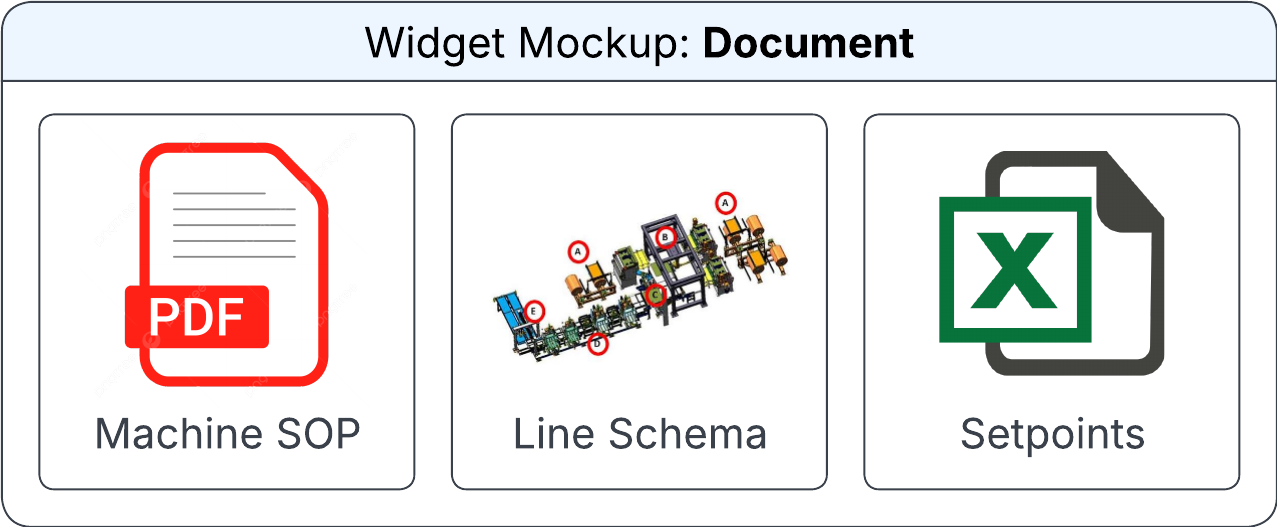
Document widget
The Document widget displays a linked document from Infor MES or Infor Document Management (IDM) on the canvas.
You can specify this information in the Configure Document Widget section on the Widget Builder screen:
- Data Source
- The data source for the document widget.
- Horizontal Alignment
-
The horizontal position of the document in the allocated space. Possible values:
- Left
- Centre
- Right
- Vertical Alignment
-
The vertical position of the document in the allocated space. Possible values:
- Top
- Centre
- Bottom
- Document
- The document to be displayed on the widget. The output field contains the document ID, such as Document Identifier.
- IDM Document Source
- The output field that determines whether the document is sourced in MES or in IDM, such as Document Source Identifier.
- IDM File Name
- The name of the file in IDM.
- IDM Document
- The IDM name for the document.
- Mime Type
- The output field that determines mime type of the document.
- Is Rounded?
- If this check box is selected, the corners of the document image are rounded.