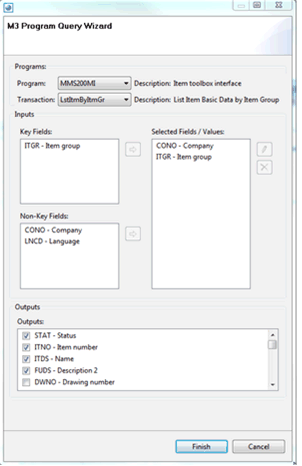
Creating a query using the Infor M3 Program Query Wizard In the Activity information section, click Build. The Query Wizard is displayed. Select the Program, Transaction, and Fields for your query. Select the information to include in the output. Click Finish.