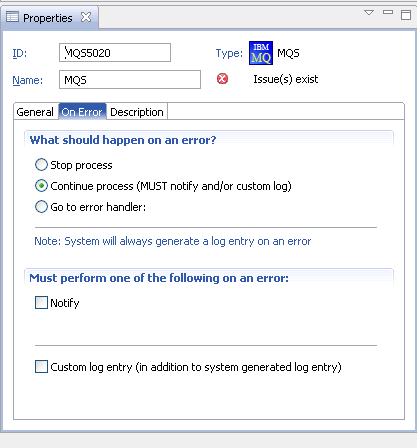
Use this procedure to configure an error handler for activity nodes that have the On Error tab.
Click the On Error tab.
On the What should happen on an error section of the tab, configure the action with these options:
Stop
The process stops immediately if an error occurs.
To notify someone that the process has stopped, configure the Notify section of the tab.
All errors are captured in the log automatically. To configure custom text for the error, configure Custom log entry check box.
Continue process
The process attempts to continue processing. You must configure notification, custom logging, or both in this case.
Go to error handler
If you select this option, you must use the error connector to set up where the process branches to and whether it continues running when an error occurs in the activity node.
Click the error handler connector and connect it to the next node in the process.
You must configure notification, custom logging, or both in this case.