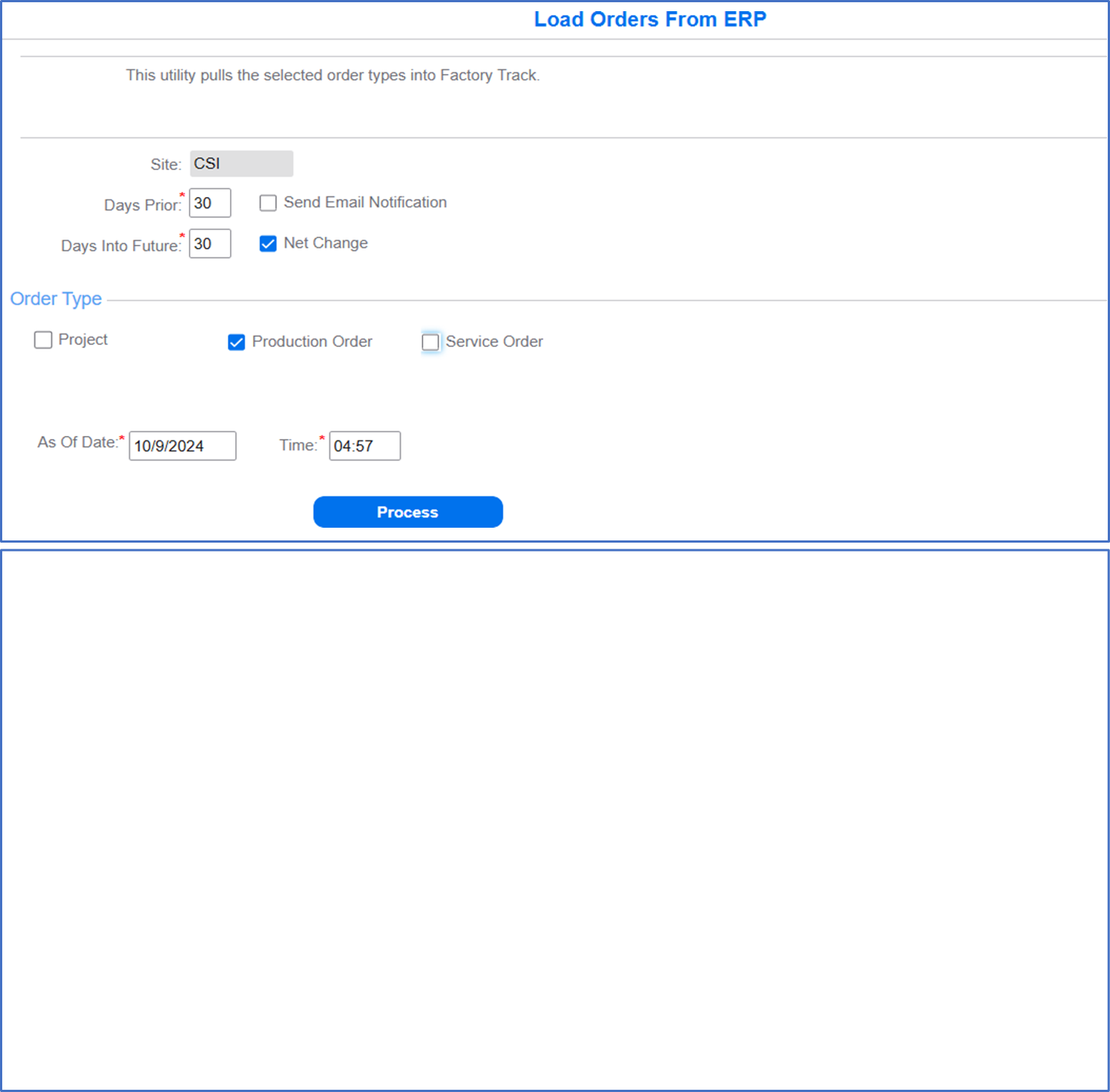
Loading Orders from ERP
- Specify this information:
- Site
- Set this value to CSITT.
- Days Prior
- Set this value to 30.
- Days Into Future
- Set this value to 30.
- Production Order
- Select this check box to load the Production Order types from ERP.
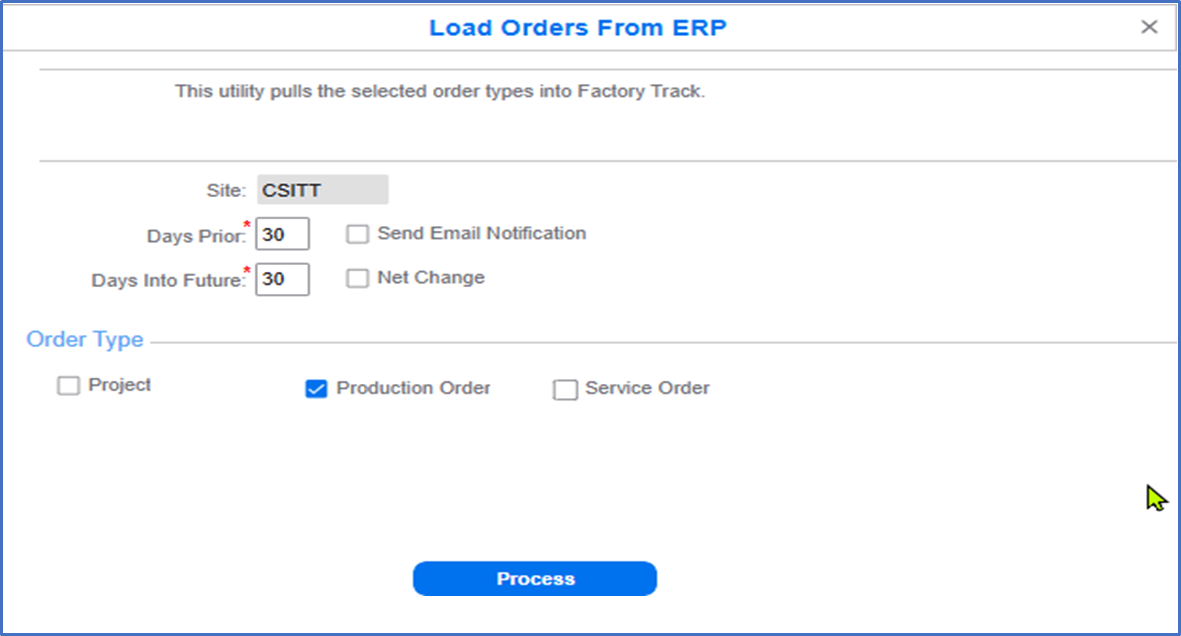
- Click .
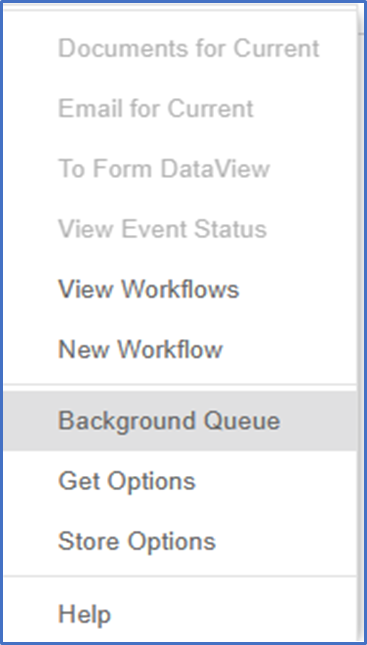
You can right click on the Load Orders from ERP form and select option to run the task as a background task.
- Select the frequency in which the Background Task must be performed.
Full download of orders can be performed once a week.
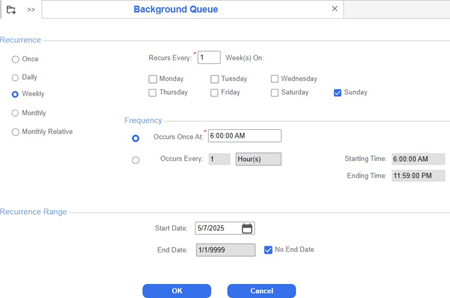
- Setup the background task with the Net Change option enabled for Job Orders with the recurrence set to run every one hour.