Creating sample users for testing
- Select . The Users form is displayed.
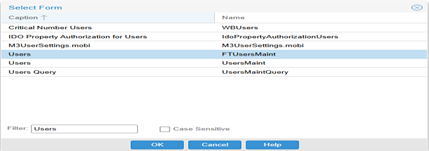 Note: You must create 2 sample users such as supervisor and console for testing.
 - Specify Supervisor in the User Name field.
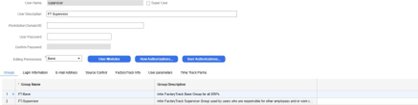
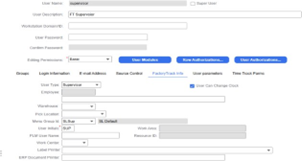
- Specify this information on the Factory Track Info tab:
- User Type
- Set this value to Supervisor.
- User Can Change Clock
- Select this check box to allow the user to change the time.
- Menu Group ID
- Set this value to SL Sup.
- User Initials
- Set this value to Sup based on the guidelines.
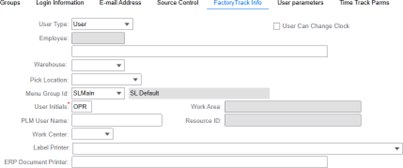
- Create a new user for shared terminal or kiosk login.
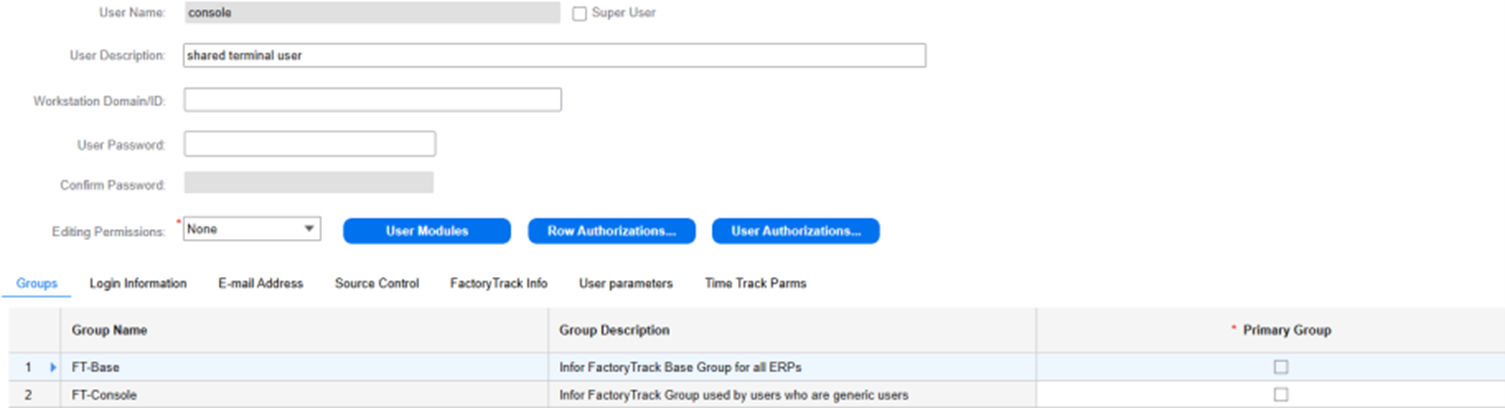
- Specify this information on the Factory Track Info tab:
- User Type
- Set this value to User.
- Menu Group ID
- Set this value to SL Main.
- User Initials
- Set this value to OPR based on the guidelines.