Histogram chart
The histogram is a frequency distribution chart used to visualize how data is distributed across defined buckets. The chart helps you understand patterns, such as concentration, spread, and skewness in numeric data.
Click icon in the Visualizer screen to select histogram chart.
Note: Unlike categorical charts, a histogram groups continuous values into configurable buckets and displays the number of records that fall within each bucket.
Histogram Types
Visualizer supports two types of histogram chart:
- Vertical histogram
- Horizontal histogram
Both types use the same analysis logic. You select the orientation that fits your reporting layout.
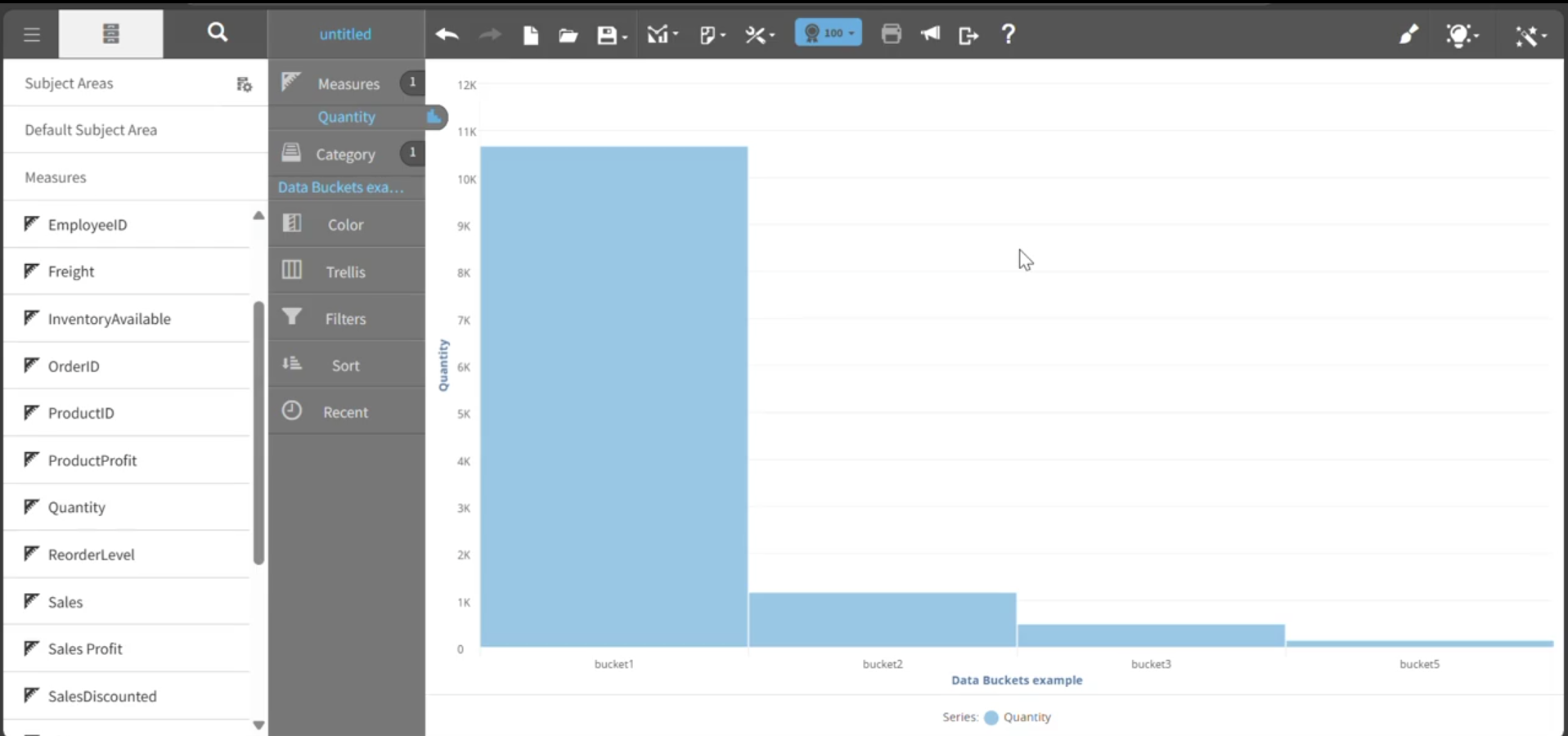
This graph shows an example of a vertical histogram chart:
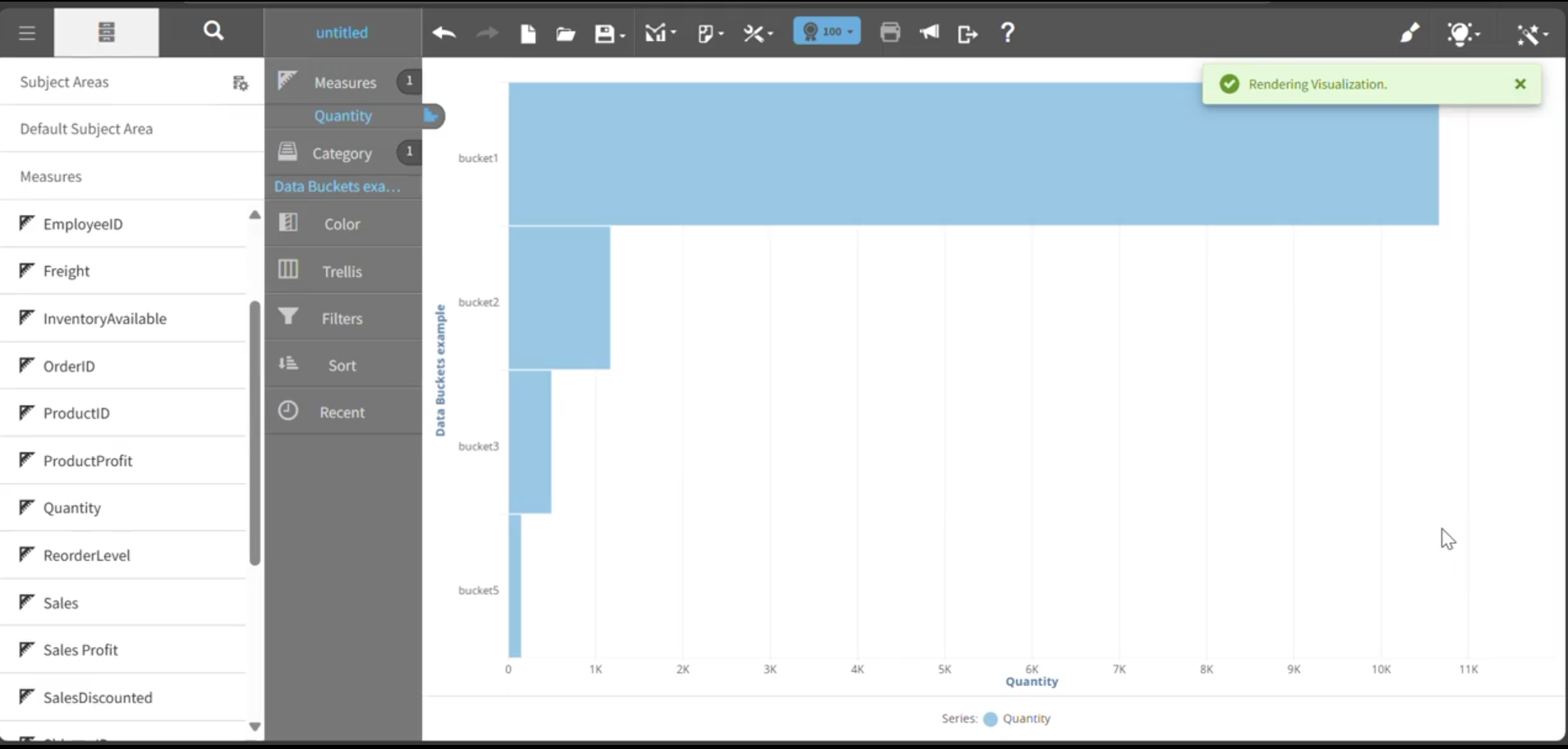
This graph shows an example of a horizontal histogram chart:
Building a histogram
To create a histogram chart:
- Add a field to the Data bucket.
Note: This step is mandatory. The Data bucket defines the numeric distribution to be analyzed and determines how values are grouped into buckets.
- Add a Measure to specify the frequency calculation.
Note: The Data bucket determines how values are distributed into buckets, while the Measure determines how frequency is calculated, for example Count.
- When you drag an attribute directly into the Measure field, the system automatically creates a report saved expression using the COUNT aggregation for that attribute and it renders the histogram based on this aggregation, for example Count of CategoryName.
Automatic Frequency Calculation
When you add an attribute, for example Product Name, to a histogram chart, Visualizer generates a Count-based report expression to calculate frequency.
This means:
- A Count of the selected attribute is created automatically.
- The histogram renders successfully without requiring you to manually define the aggregation.
- The chart displays how many records fall within each bucket.
This automation simplifies histogram creation and ensures accurate frequency calculation.