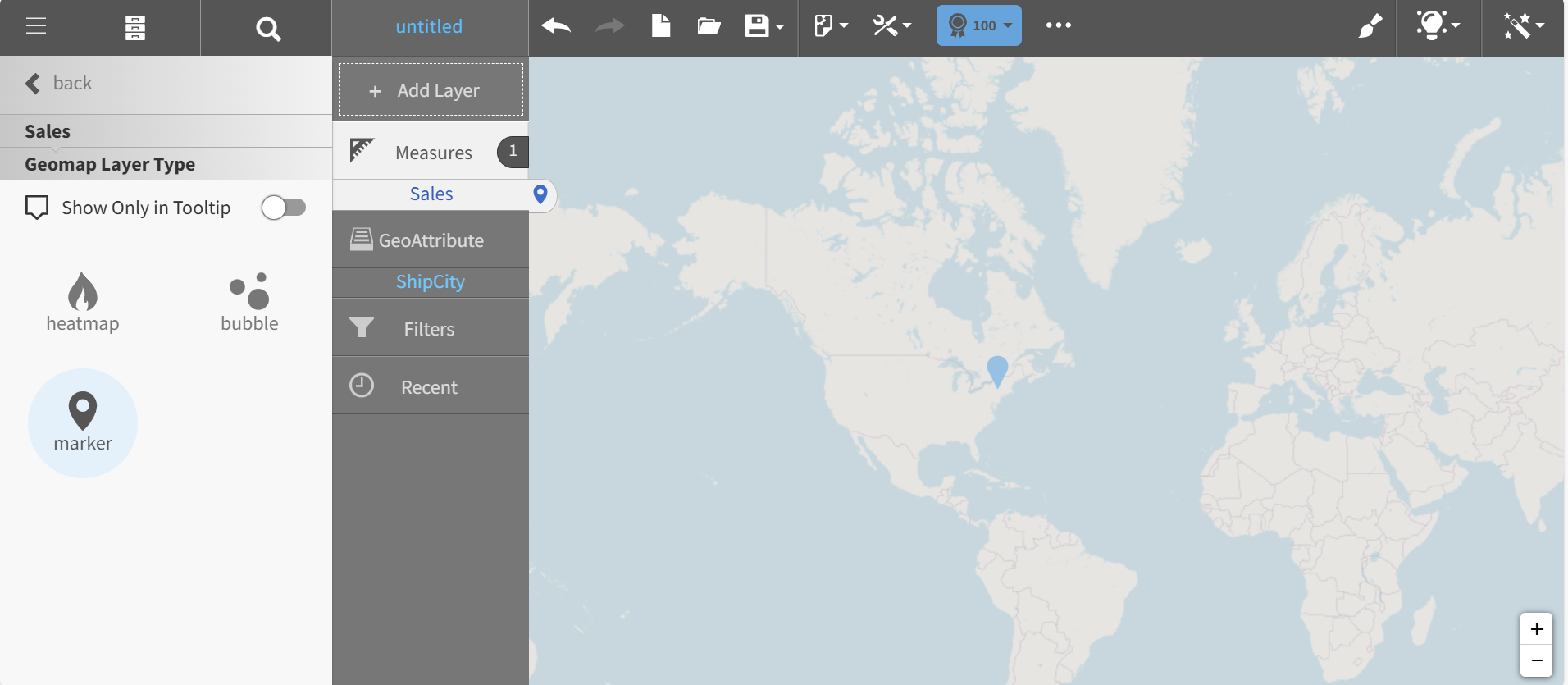
Changing the Geomap Layer Type
There are three Geomap Layer Types:
- Heatmap: shows intensity based on measure values
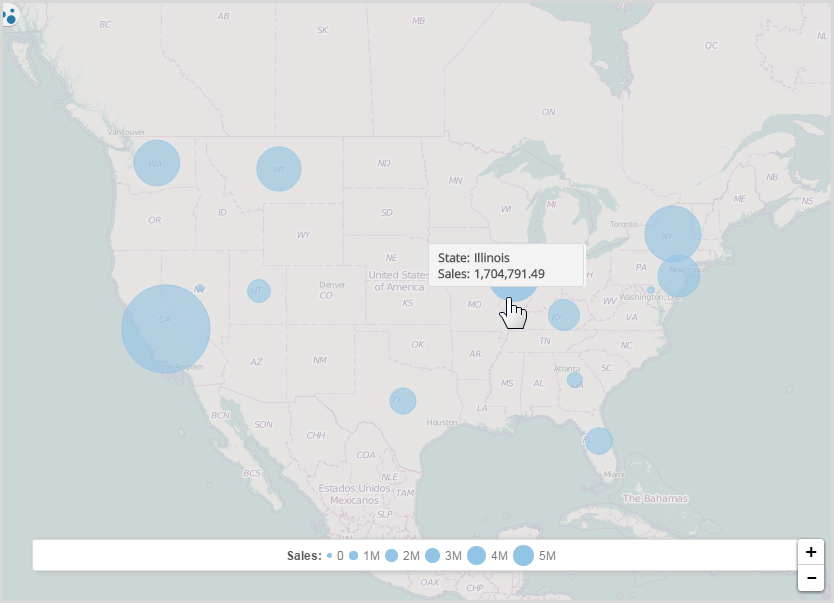
- Bubble: displays circles sized by measure
- Marker: displays pins for specific locations and it is ideal for custom points like customer addresses
- Select another map style, for example, bubble.
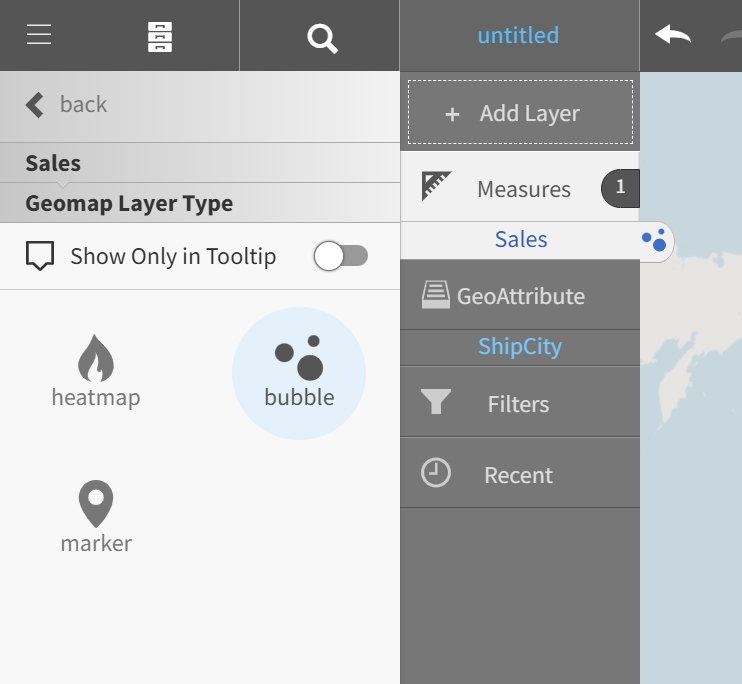
Visualizer applies the new bubble type.
- Alternatively, select a Geomap Layer Type of marker.