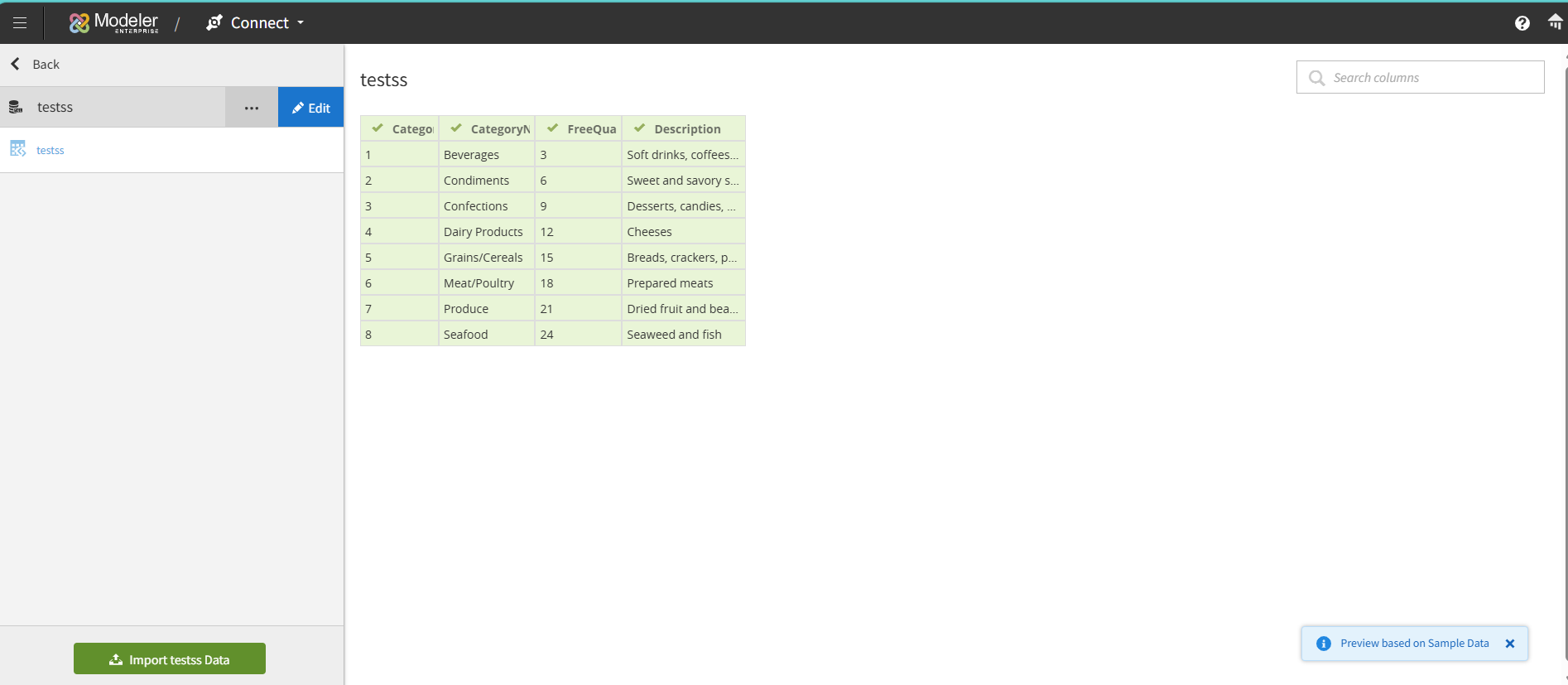
Adding query-based objects from a Database
In addition to importing tables from databases, you can add a query based object from your database. A query-based object uses SQL expressions to join tables or create simplified views.
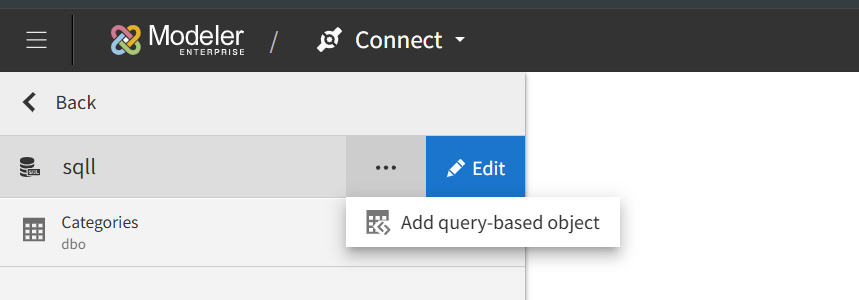
- Specify a unique name in the Query Object name field.
Note: This application is not case-sensitive.
To avoid confusion or unexpected behavior, do not use object names that differ only by letter casing, for example ''Categories'' and ''categories''. These names are treated as identical and may lead to conflicts.
- Provide valid SQL syntax that complies with the connected database.
- Click button.
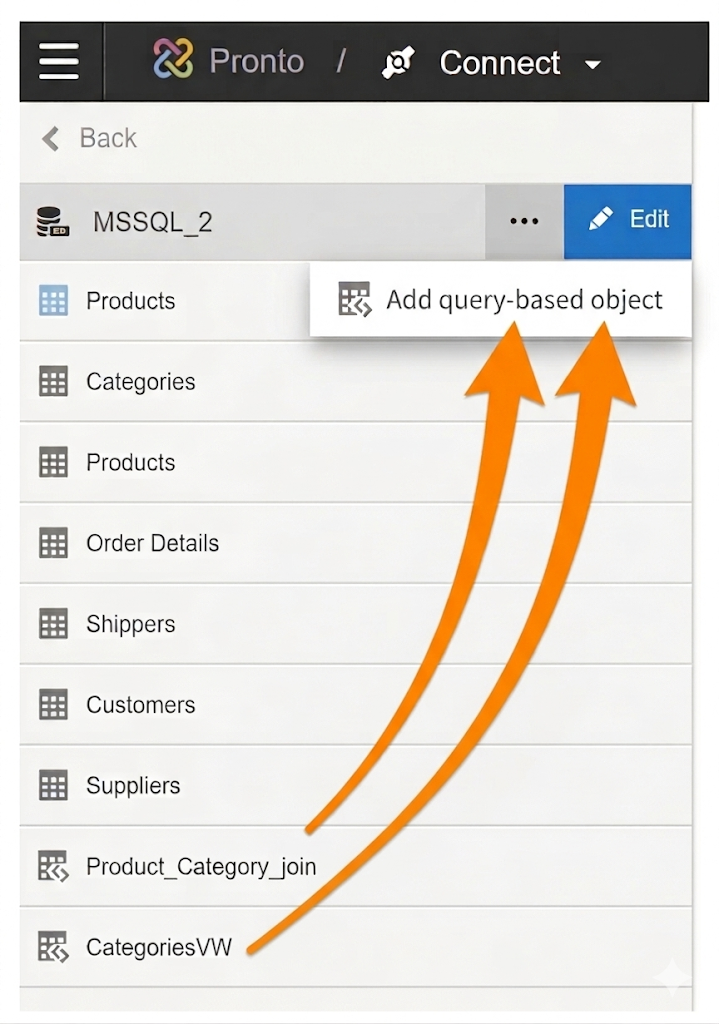
In this example, two views were created using the add query based object feature. In one case, a query based object was created from a subset or slimmed down version of an existing database object and the other query based object was created by joining two related objects by their foreign key relationship.
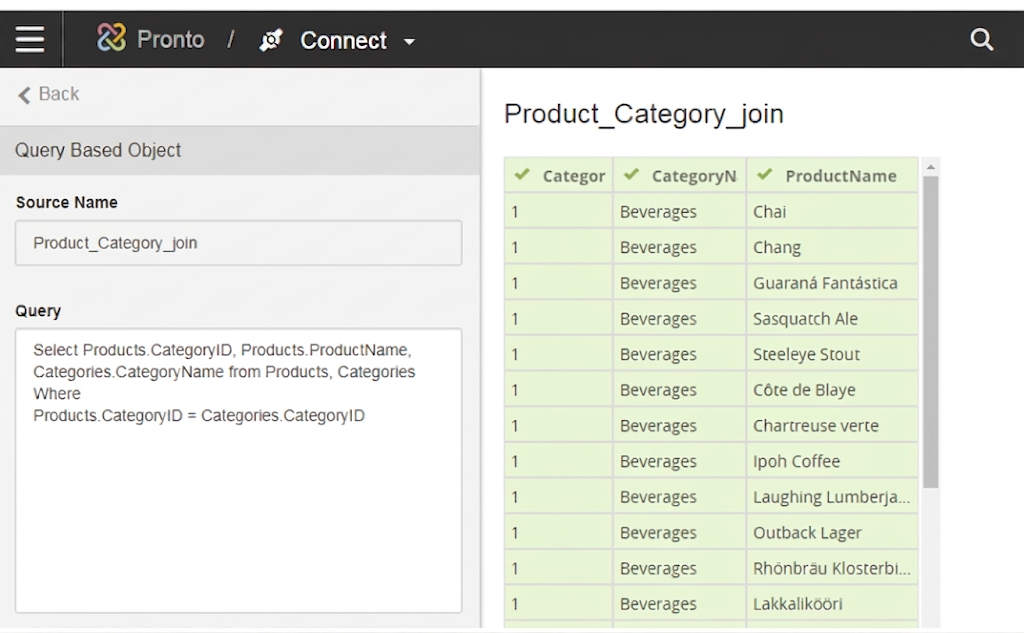
This is a valid SQL syntax used to create the simple join with the Products and Categories table in MSSQL for the described example.
Select Products.CategoryID, Products.ProductName, Categories.CategoryName from Products, Categories
Where: Products.CategoryID = Categories.CategoryID
Similar to the database connections, you can edit the tables and filter rows for desired content.
After editing the table, click to import the data base connected sources.

Live Access and query Objects:
You can create query-based objects from a Live Access source. Birst Connect 2.0 supports data preparation preview and reporting for query objects that contain Birst variables.