View Published Data
Space Admins can view their published data through Space Management.
- Select from Space Management.
Data is split in to three tabs: Dimension Data, Measure Data, and Stage Data.
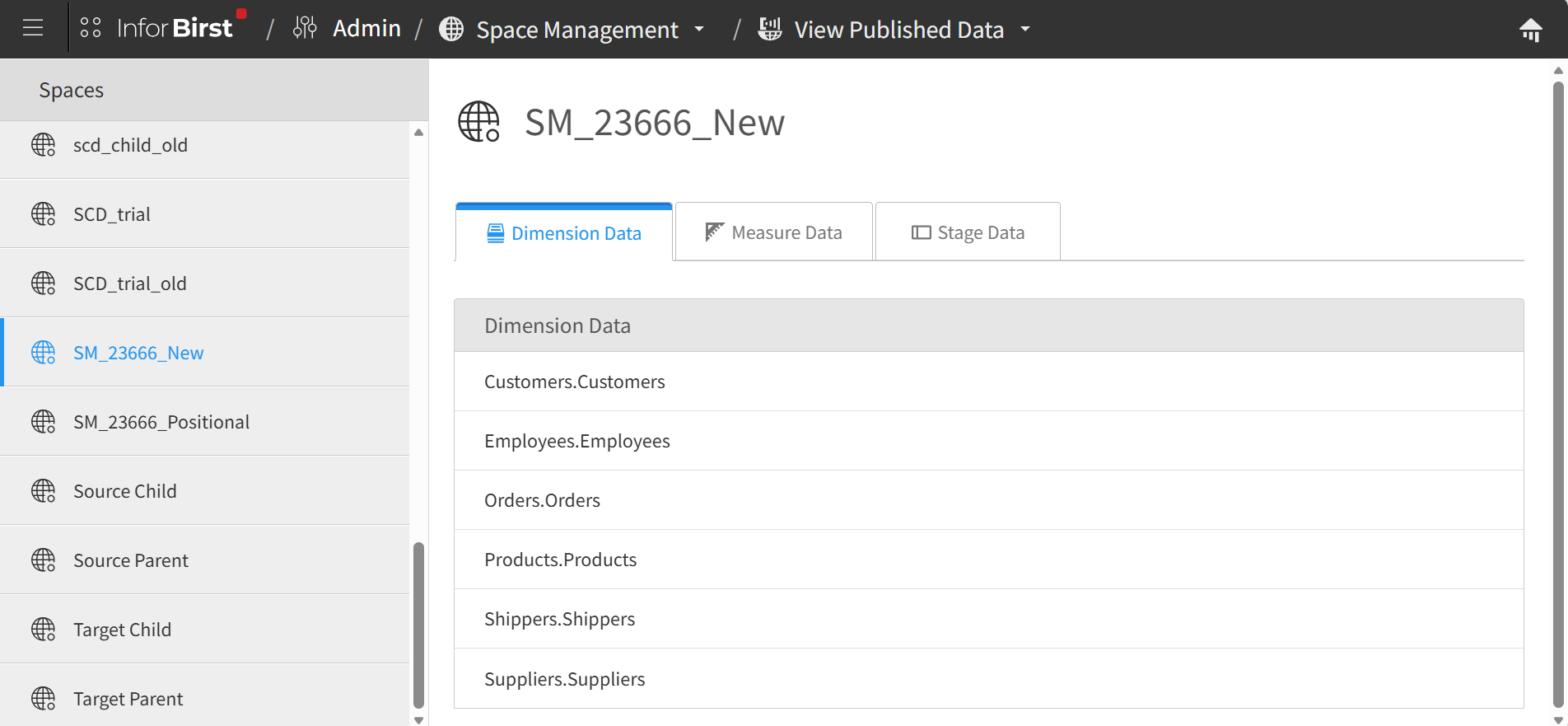
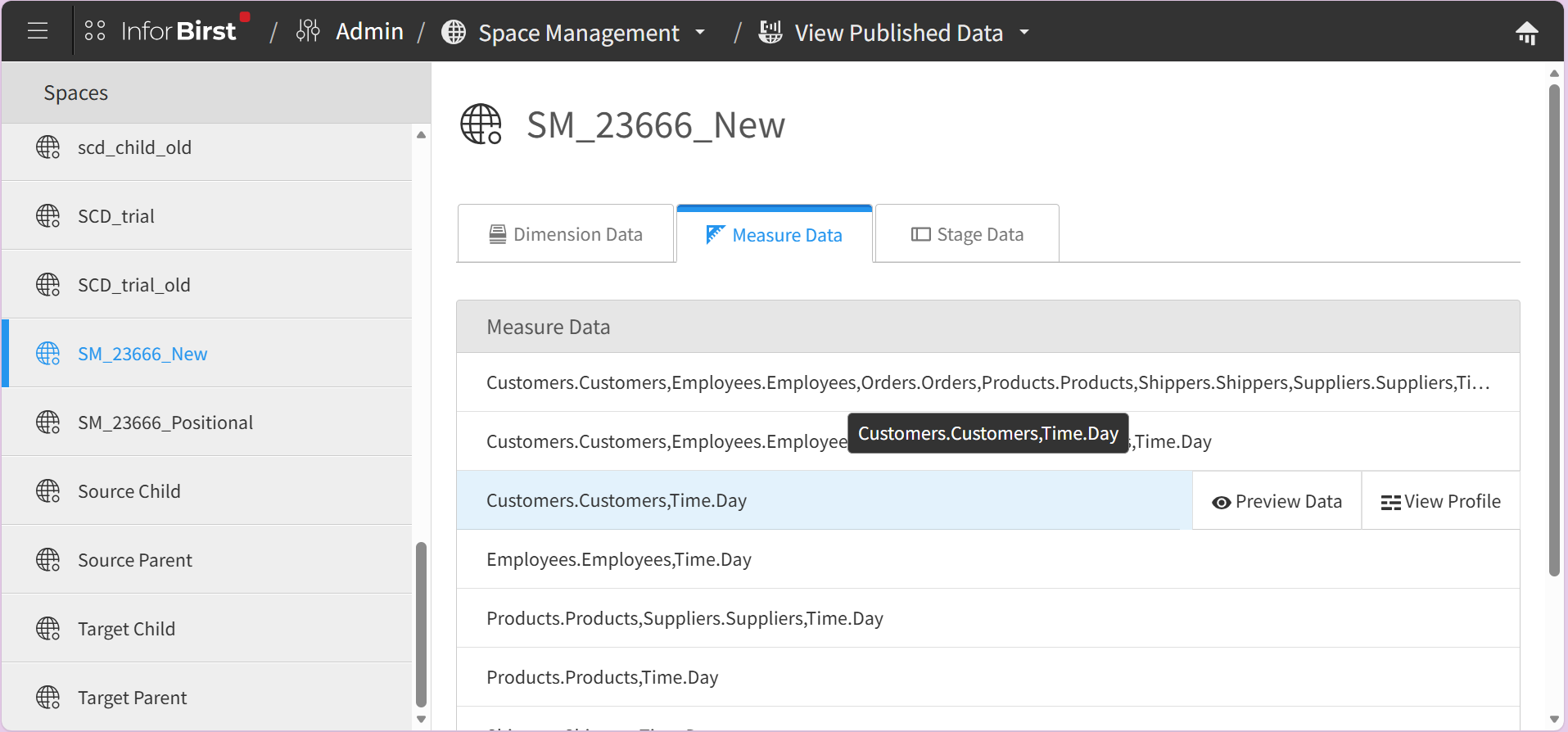
- Rest the cursor over the chosen item and select or to learn more about the published data.
- To view data in a specific order, use the "ORDER BY" parameter.
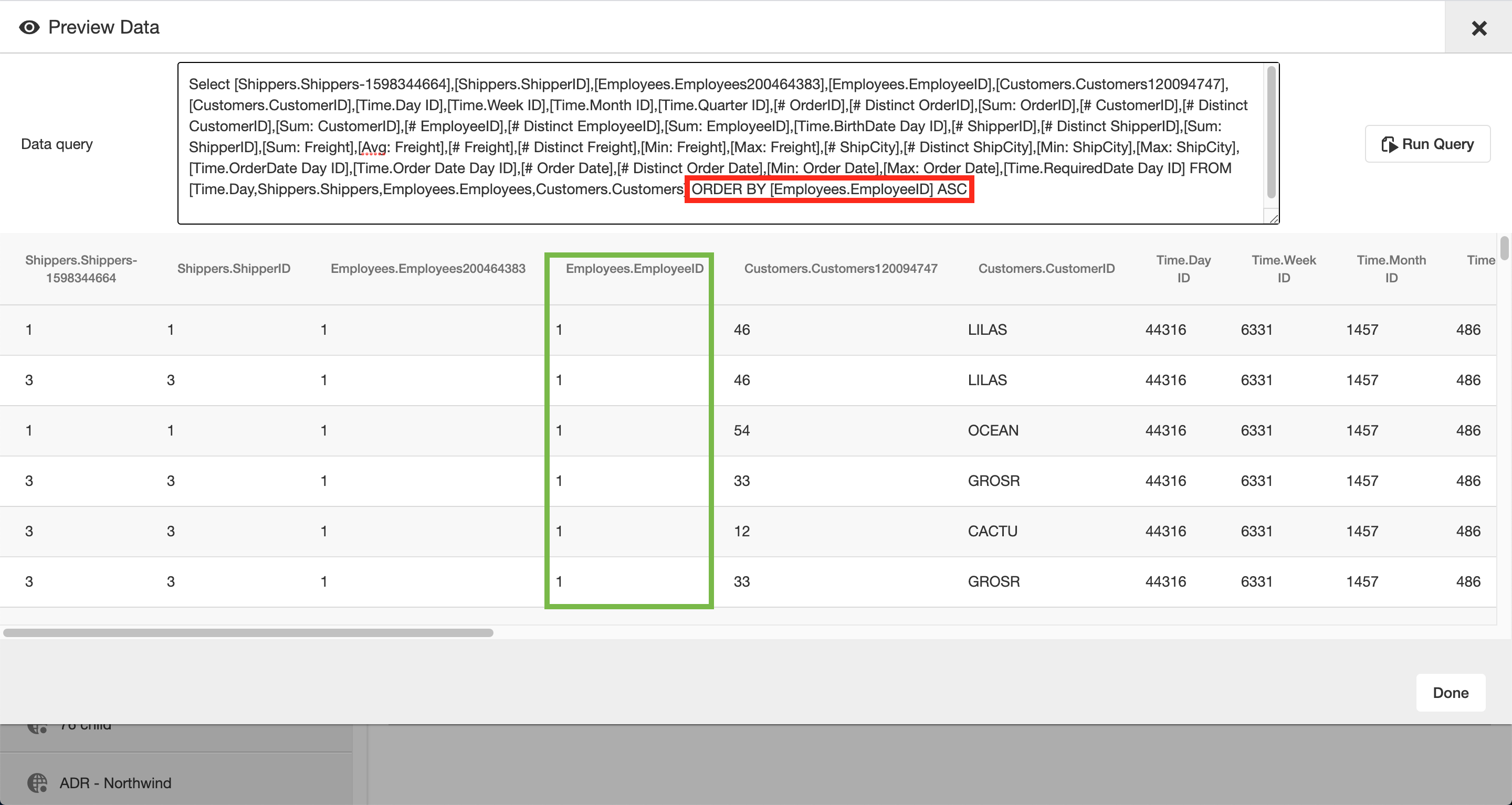
When attempting to use order by with a measure column, you may face this error: Unable to retrieve results of query. This error is because you cannot have an ORDER BY clause on an aggregated measure and a different aggregation on the same measure in the projection list of the SELECT, for example [Sum: Quantity] and [Max: Quantity]. Remove the extra aggregations for that measure in the SELECT statement and run the query again.