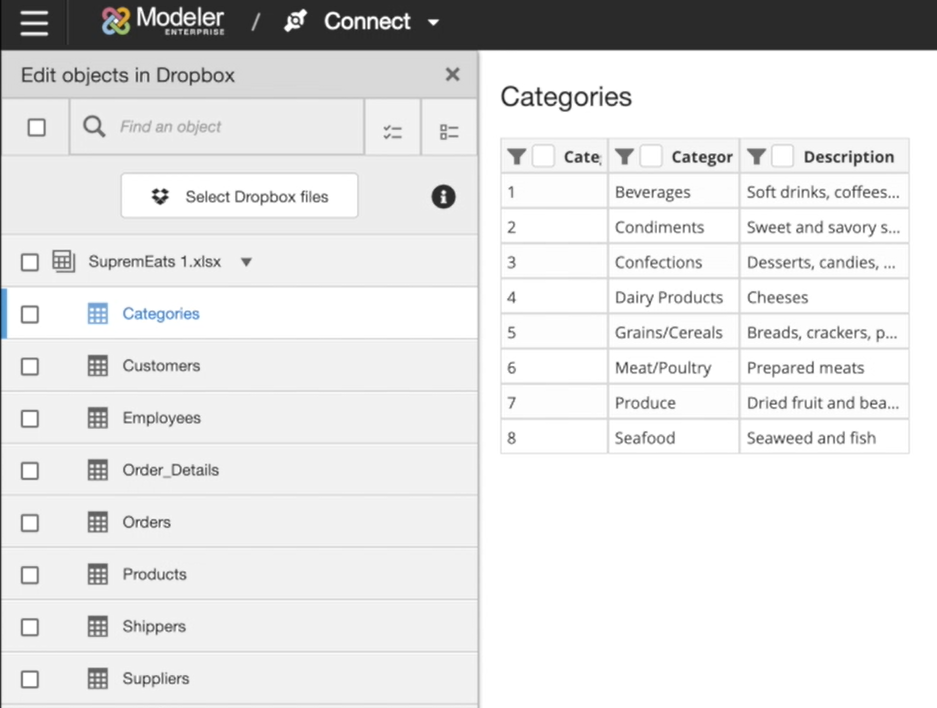
Configuring Dropbox Data Sources Select the Dropbox connector from the Connector section or click the existing Dropbox connection from the Connections panel. Click Edit. Click Select Dropbox files. Click Select Dropbox files, and then click Download. After downloading the files, select the items in the file to import. Then click Done. After creating the objects, click the Import {Connector Name} Data button to extract your information to Birst. Note: You can sign out from Birst while extraction runs and then sign in.