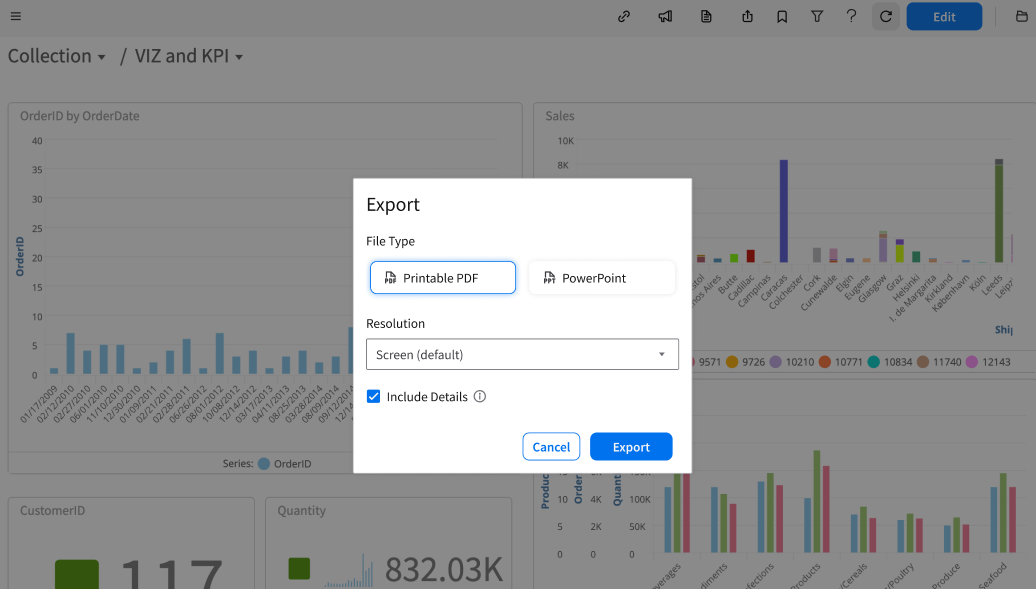
You can export an entire dashboard to a PDF or PowerPoint.
Select Dashboards module and then select the dashboard you want to export.
From the Toolbar at the top of the dashboard, click Export.
Select the File type: PowerPoint or PDF.
Specify the Resolution field: Screen size resolution is selected by default.
Select the checkbox to include dashboard information, such as the collection name, dashboard name, and any filters that were applied at the time of export.