Filter Management
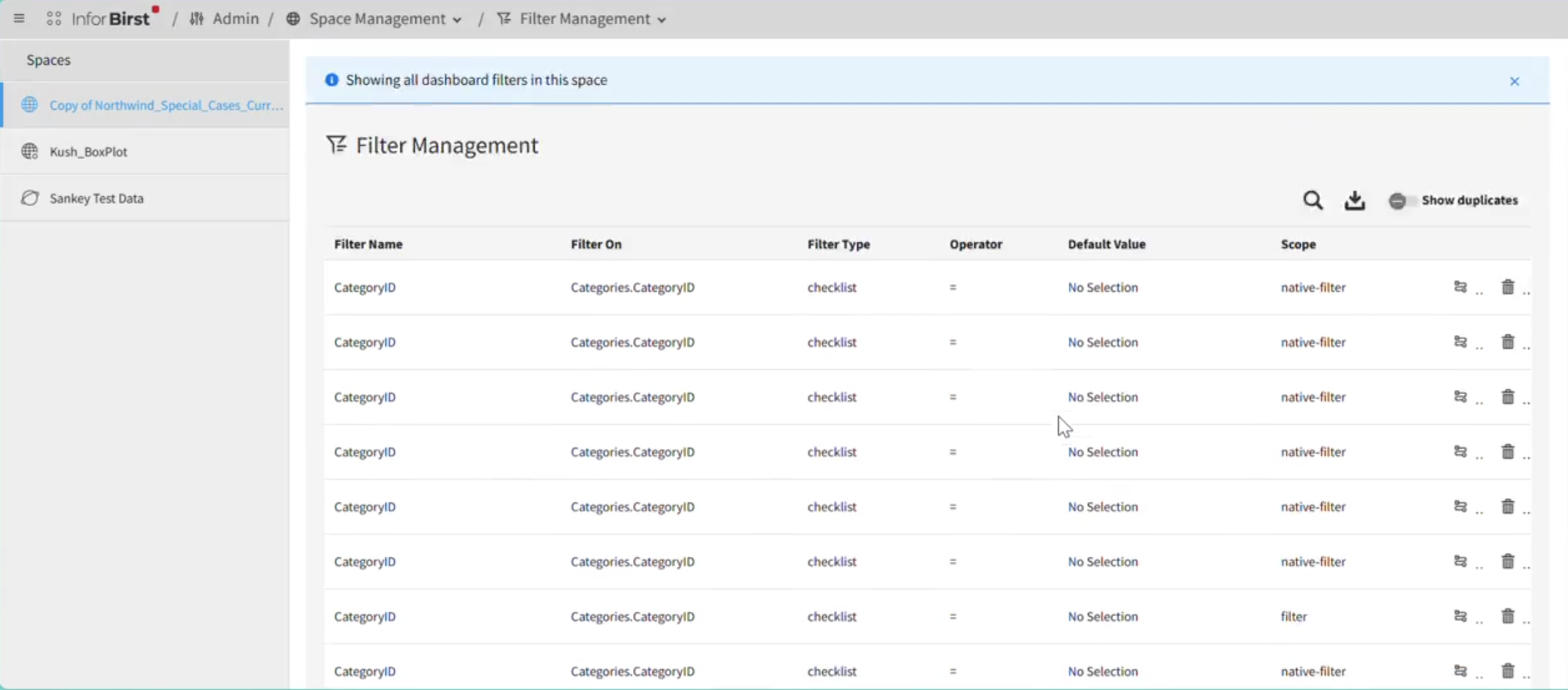
Filter Management is a module in where you can manage Dashboard filters. You can create, edit, delete, search, and export filters.
Select to view all the filters and their details.
The details include:
- Filter Name
- Filter On
- Filter Type
- Operator
- Default Value
- Scope
To export all the filters selected for a given space to the CSV format, click the icon.
To see duplicated filters, enable the switch. If there are any duplicates, you can view them by clicking the blue sign with the number in the Filter Name column.
To delete filter, click the icon at the end of the row.
Note: When you click the button, the action cannot be undone.
To view the usage of a given filet in the dashboards and reports where it is used, click the icon next to icon.